
outbound calling with a virtual phone number

FEATURE

The NumberBarn Dialer

Place outbound calls with your virtual phone number as Caller ID.

Get Me Started With NumberBarn

Scroll to Learn More
/

A Simple Virtual Phone Number

This outbound calling feature allows you to show your NumberBarn phone number as Caller ID when using your current phone or web browser to place outbound calls.

  • Select your outbound Caller ID.
  • Dial a number.
  • Callback mode: The Dialer calls your existing phone. Answer.
  • VoIP mode: We connect you to the number in your browser.

Callers see your selected NumberBarn phone number as Caller ID.
Use The NumberBarn App


  Get it on Google Play

Works in your browser and with our mobile app.

How Outbound Calling Works

VOIP Mode - Using your browser and Wi-Fi

outbound caller ID

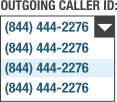
1. Select your NumberBarn number to use as outgoing Caller ID.
phone keypad

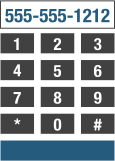
2. Use our keypad to dial the number you wish to call.
VOIP call in browser

3. We connect the call in your browser using your speakers and microphone.
caller ID

4. The call recipient sees your NumberBarn number as incoming Caller ID.


Callback Mode - Using your mobile phone

outbound caller ID

1. Select your NumberBarn number to use as outgoing Caller ID.
phone keypad

2. Use our keypad to dial the number you wish to call.
calling your mobile phone

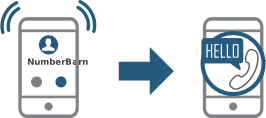
3. We call your mobile, you answer and get connected with the number dialed.
caller ID

4. The call recipient sees your NumberBarn number as incoming Caller ID.

Benefits of a Virtual Phone Number

spam bot

Protect Your Privacy

Keep your personal phone number private to avoid spam
caller ID

Business Calls Stay Separate

Show your business phone number when returning business calls
pricing

Inexpensive Options

Millions of numbers available with reasonable calling plans

Ready to Go?

Pricing is simple. Transfer an existing phone number or get a new local or toll free phone number.

Get Started Now

Outbound Calling FAQs

How do I place outbound calls?

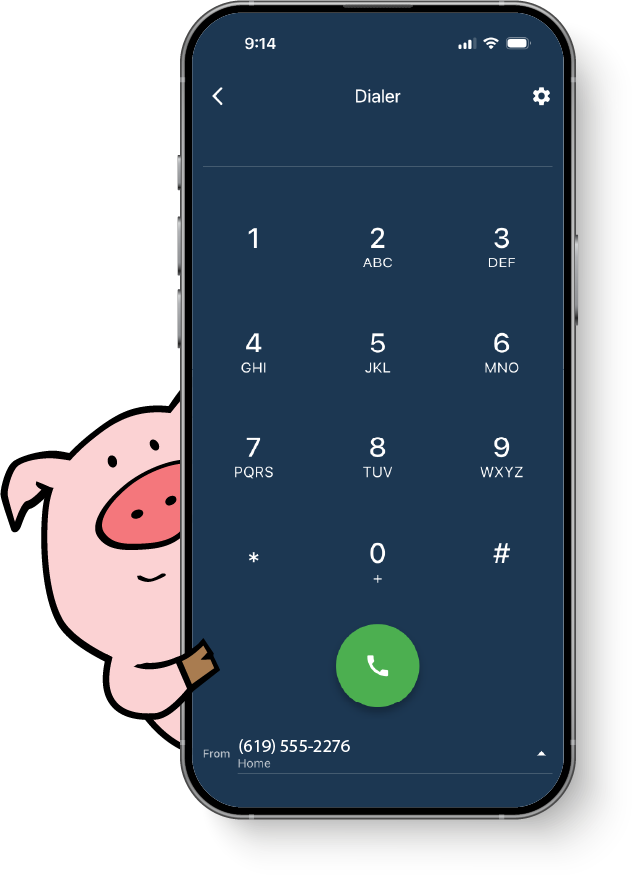
Within the account control panel or with our app, use the dialer to place outbound calls using your NumberBarn number as your outgoing caller ID.

How does outbound calling work?
  • Select your outgoing Caller ID from your NumberBarn account.
  • Dial the number you want to call.
  • Callback mode: NumberBarn calls your phone*, answer and we connect your call to the number dialed.
  • VoIP mode: NumberBarn connects your call to the number dialed right in your web browser.
  • Callee sees your NumberBarn phone number as your Caller ID.

*You will need an active phone service (such as your mobile phone) to use Callback.

Is the NumberBarn app required to place outbound calls?

The NumberBarn mobile app makes it easier to place outbound calls, but is not required to use outbound calling. You can use the dialer by logging in to your account in your web browser.

What if I go over my plan's monthly minutes?

Any minutes used over your plan's monthly allotted minutes will be billed at our pay as you go rate of $0.03/minute.

What plans include the outbound calling feature?

Our call forwarding and Business Line plans include outbound calling. The 600 minute call forwarding plan uses your included minutes, then will be billed $0.03/minute for usage over your plan's 600 minutes.

How Can We Help?

Technical questions, how-tos and general advice. Our amazing support team is ready to walk with you every step of the way!


Contact Our Team

happy guy